AI Activities for Kids Under 8: Start Here
Simple, parent-led AI activities designed for kids ages 5-7. No reading required, just curiosity, conversation, and an AI tool.


AI activities for young kids look different from activities for older ones. A 5-year-old isn't going to type prompts, evaluate output, or write iterative follow-up questions. But they can absolutely participate in AI experiences that build awareness, curiosity, and early critical thinking, as long as a parent is doing the typing and the activity stays playful.
Here are six activities designed specifically for the 5-7 age range. Each one takes 10-20 minutes, requires zero reading ability from your child, and teaches something real about AI without ever feeling like a lesson.
1. The Question Machine
Time: 10-15 minutes | What they learn: AI can answer questions, but it doesn't always get them right
Open an AI chatbot and tell your kid: "This is a Question Machine. You can ask it anything you want, and it'll try to answer." Then let them go. Kids this age have amazing questions: "How many ants are in the world?" "Why is the sky blue?" "What do dogs dream about?"
Read each answer together. After a few, start asking: "Do you think that's really true? How would we find out?" For at least one answer, look it up in a book or kid-friendly website to check. The point isn't to catch AI being wrong (though you might). The point is to plant the seed that checking is part of using this tool.
Parent tip: Resist the urge to correct or redirect their questions. The sillier and more creative the questions, the more engaged they'll be. "What would happen if you mixed a shark and a butterfly?" is a perfectly valid prompt.
2. Story Time With AI
Time: 15-20 minutes | What they learn: AI is a tool you direct; it creates what you tell it to
Your kid invents a character and a setting. "A brave hamster named Captain Nugget who lives in a castle made of cheese." You type the setup and ask AI to write a short story about it.
Read the story together. Then ask your kid: "What should happen next?" or "Should Captain Nugget be brave or scared in this part?" Type their ideas as follow-up prompts. Keep going until you have a story that's 3-4 paragraphs long.
At the end, you have a bedtime story your kid helped create. Print it out if you want. Kids this age love seeing "their" story on paper.
Why this works: Your child is making all the creative decisions. AI is just doing the typing. They experience being the director of a creative tool, which is exactly the right mental model for how AI should be used.
3. Silly Song Writer
Time: 10 minutes | What they learn: AI can create things, but people decide whether they're good
Ask your kid to pick a topic for a silly song. "A song about a dinosaur who loves pancakes." "A song about taking a bath." "A song about the dog." Type the prompt and read the result together.
Then comes the best part: evaluate it together. "Is this funny? Which line is the funniest? Which line should we change? What would make it better?" Let your kid suggest edits. Type the revisions and get a new version.
Kids this age are natural editors. They have strong opinions about what's funny and what's not. This activity lets them exercise that judgment on something AI created, which is the beginning of critical evaluation.
4. Animal Guessing Game
Time: 10-15 minutes | What they learn: AI knows a lot of facts, but you can stump it
Tell AI: "I'm thinking of an animal. I'm going to give you clues one at a time. Try to guess what it is." Your kid gives the clues (you type them): "It's big." "It lives in water." "It's gray." "It eats fish."
AI will start guessing after each clue. Your kid gets to say "nope!" or "yes!" This is fun on its own, but it also shows your kid how AI works through a problem, how it narrows down possibilities with more information.
Flip it: now AI thinks of an animal and your kid asks yes/no questions to guess it. This is even better for young kids because they're practicing how to ask good questions, the same skill that eventually becomes prompt writing.
5. Draw What AI Describes
Time: 15-20 minutes | What they learn: Words mean different things to AI and to people
Ask AI to describe a made-up creature. "Describe a friendly monster that lives in the clouds. Tell us what it looks like, what it eats, and what it does for fun." Read the description to your kid.
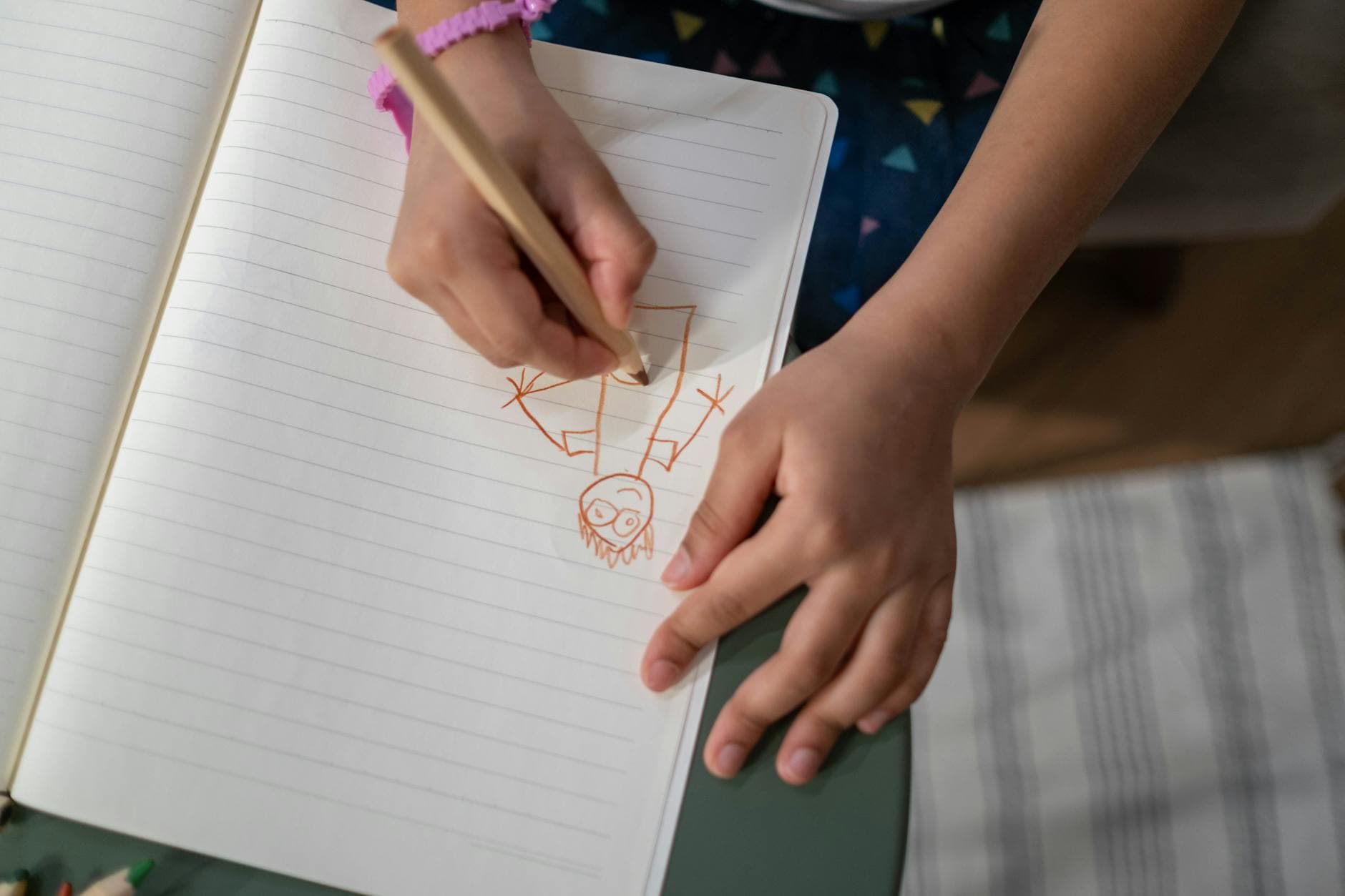
Now your kid draws it based on what AI said. After they're done, compare the drawing to the description. Did they interpret it the same way AI meant it? What was unclear? What would they have described differently?
If you have an AI image generator, generate a picture of the same creature and compare it to your kid's drawing. Kids love seeing the difference between what they imagined and what AI imagined from the same words.
Why this works: It introduces the idea that AI's output is an interpretation, not a fact. The same words can produce different results depending on who (or what) is reading them.
6. Spot the AI
Time: 10 minutes (spread throughout a day) | What they learn: AI is already in their everyday life
This isn't a sit-down activity. It's a game you play throughout the day. Challenge your kid to "spot the AI" in their world. Every time they notice something AI-powered, they call it out and get a point.
Examples they might find:
- Voice assistants (Alexa, Siri, Google)
- Movie or show recommendations on Netflix or Disney+
- Autocorrect on a phone
- Face filters on a camera app
- A chatbot on a website
- Spotify's song suggestions
At the end of the day, count up the points. Most families are surprised by how many they find. This builds awareness that AI isn't just a chatbot; it's woven into dozens of tools they already use.
Tips for AI Activities With Young Kids
Keep it short. 10-15 minutes is ideal. If your kid is into it, go longer. If they're losing interest, stop. You can always come back to it.
You're the keyboard. Your child provides the ideas, opinions, and direction. You handle the typing and reading. This is a collaborative activity, not a literacy test.
Don't worry about "getting it right." There's no wrong way to explore AI with a 5-year-old. If they want to ask AI about unicorn farts for 15 minutes, that's fine. They're building comfort with the tool and learning that they can direct it.
Narrate what you're doing. "I'm going to type what you said into the AI tool and see what it says." "Look, it wrote a whole paragraph! Let's read it together." Young kids benefit from understanding what's happening on screen, even if they can't read the words themselves.
End with something tangible. Print the story. Hang up the drawing. Save the silly song. Young kids remember experiences better when there's a physical artifact attached.
What Comes Next
These activities build the foundation. By the time your kid is 8 or 9, they'll be ready to start typing their own prompts, writing more complex instructions, and evaluating AI output more independently.
When they're ready, Big Thinkers has structured activities designed for that next stage, and each one builds a specific AI skill through a project your kid will actually enjoy. See what's inside.
A complete guide to AI activities for kids ages 5-14. Real projects, real skills, done together at the kitchen table. No tech background needed.