
Family AI Rules: A Free Template You Can Use Tonight
A ready-to-use template for setting AI boundaries with your kids. Covers which tools, when, what's off-limits, and what to do when things go wrong.

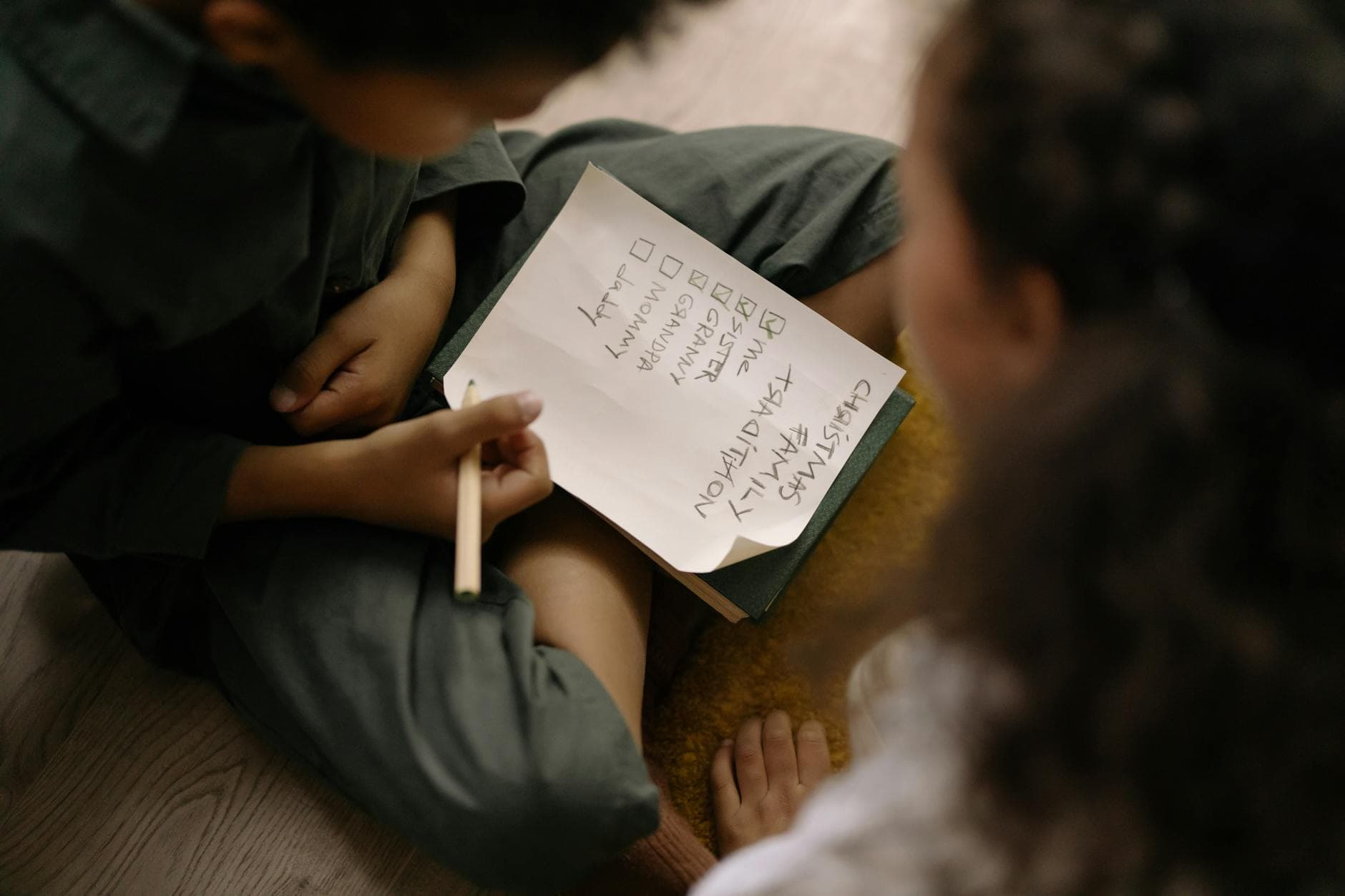
Most families have rules about screen time, internet use, and social media. Almost none have rules about AI, even though their kids are already using it. This is a ready-to-use template you can customize with your family in about 10 minutes. Print it, post it on the fridge, or save it as a shared note. The goal isn't to be restrictive. It's to make sure everyone's on the same page about how AI gets used in your house.
Why Your Family Needs AI Rules
AI tools are different from other technology your kids use. They can generate content that looks authoritative but is wrong. They can produce inappropriate material if prompted a certain way. They collect data from every conversation. And they're so good at sounding human that kids (and adults) forget they're talking to a machine.
None of this means AI is dangerous. It means AI is powerful, and powerful tools work better with clear expectations.
Rules also protect your kid in a different way: they create permission. When a child knows "we use AI together and it's okay to ask questions about it," they're more likely to come to you when something confusing or concerning happens. Rules turn AI from a secret thing kids figure out alone into a family thing you navigate together.
The Template
Use this as-is or modify it to fit your family. The brackets are spots where you fill in your own specifics.
Our Family's AI Rules
Last updated: [date]
1. Which AI tools we use
We use [ChatGPT / Gemini / Claude / other] for AI activities. If you want to try a different AI tool, ask first.
2. When AI is allowed
- AI is for [specific times: during activity time / after homework is done / when a parent is available / on weekends].
- [For kids under 10:] AI is always used with a parent present.
- [For kids 11+:] You can use AI on your own for [specific uses], but we check in about it regularly.
3. What AI is for
AI is a tool for:
- Learning and exploring topics you're curious about
- Creative projects (stories, art, planning, brainstorming)
- Big Thinkers activities and other structured learning
- Getting unstuck on homework (brainstorming, not copying)
AI is NOT for:
- Writing your homework or assignments for you
- Looking up answers to tests or quizzes
- Having conversations you wouldn't want a parent to read
- Anything that replaces thinking with copying
4. What we never put into AI
We don't share these things with AI tools:
- Our full names
- Our address or school name
- Phone numbers or email addresses
- Photos of ourselves or our friends
- Passwords or account information
- Other people's private information
5. What to do when AI gets weird
If AI says something that seems wrong, inappropriate, confusing, or makes you uncomfortable:
- Close the conversation. You won't get in trouble.
- Tell [mom / dad / a parent] about it.
- We'll look at it together and figure out what happened.
- Nobody is in trouble for what AI says. You're only responsible for what you type.
6. The fact-check rule
AI can be wrong, even when it sounds really confident. Before you trust any fact, statistic, or claim from AI, verify it with a second source. This isn't optional. It's how we use AI in this family.
7. The "brain first" rule
Try thinking about it yourself before asking AI. AI is for making your thinking better, not for replacing it. If you catch yourself asking AI something you could figure out on your own, pause and try it yourself first.
8. How we review these rules
We'll revisit these rules every [3 months / semester / as needed] to see if they need updating. As you get older and more experienced with AI, the rules will evolve.
Signed:
[Parent name(s)] [Child name(s)] [Date]
How to Use This Template
Step 1: Customize It (5 Minutes)
Read through the template with your family and fill in the brackets. Some decisions to make:
- Which specific AI tools are approved? Pick the ones you're comfortable with.
- What's the age threshold for unsupervised use? This depends on your kid. Some 10-year-olds are ready for solo use with check-ins. Some 12-year-olds aren't. You know your child.
- What counts as "homework help" vs. "homework cheating"? This is the trickiest line. A reasonable rule: AI can help you brainstorm, outline, and check your work. It cannot write the final product for you.
Step 2: Discuss It Together (5 Minutes)
Don't just hand this to your kid. Talk through each rule. Ask them: "Does this seem fair? Is there anything you'd change? Is there anything missing?" Kids who help create the rules are more likely to follow them.
For older kids, this is a genuine negotiation. They might push back on some rules, and that's healthy. The conversation itself is valuable because it forces everyone to think about AI use intentionally instead of letting it happen by default.
Step 3: Post It Somewhere Visible
Print it, save it as a shared note, or pin it to a family bulletin board. The point is that it's accessible and not forgotten.
Step 4: Revisit It
Kids grow fast, and AI changes fast. Rules that make sense for your 8-year-old won't make sense when they're 11. Set a calendar reminder to revisit and update the rules every few months.
Rules for Different Ages
Ages 5-7
Keep it simple. The main rules at this age:
- We only use AI together with a parent
- We don't tell AI our name or where we live
- If AI says something weird, we tell mom/dad
- AI can be wrong, so we always check
You don't need the full template for this age. Three or four clear rules, said out loud and reinforced through practice, are enough.
Ages 8-10
The full template works well for this range. Focus on the fact-check rule and the "brain first" rule. These are the ages where kids start relying on AI for quick answers, and building good habits now saves headaches later.
Ages 11-14
Add nuance. Older kids need to understand why the rules exist, not just what they are. They're also more likely to encounter gray areas: Is it okay to use AI to help with a creative writing assignment? What about using it to study for a test? These conversations matter more than the specific rules.
Consider adding rules specific to their situation: "AI is not allowed during tests or exams." "If a teacher says no AI on an assignment, that's final." "We discuss any new AI tools before you start using them."
Frequently Asked Questions
What if my kid breaks a rule?
Treat it like any other boundary. If it's a first time, have a conversation about what happened and why the rule exists. If it's repeated, apply whatever consequences make sense for your family. The goal is learning, not punishment.
My kid's school has its own AI rules. Should our home rules match?
They don't have to match exactly, but they shouldn't contradict each other. If your kid's school bans AI on assignments, your home rules should support that. Talk to your kid about why different contexts have different rules.
Is this overkill? My kid barely uses AI.
If your kid barely uses AI now, they won't for long. AI is showing up in every app, search engine, and tool they use. Setting rules before heavy use starts is easier than setting them after habits have already formed.
What if I don't understand AI well enough to set rules?
That's okay. Start with this template and adjust as you learn more. The rules here cover the basics: privacy, fact-checking, appropriate use, and what to do when things go wrong. You don't need to be an AI expert to set good boundaries. If you want to build your understanding alongside your kid, Big Thinkers activities are designed for exactly that. You learn together.
What to Do Next
- Print or save the template above. Fill it in with your family tonight. It takes 10 minutes.
- Have the conversation. The template is a starting point. The real value is in talking about it together.
- Start using AI as a family. Rules work best when they're paired with positive experiences. Try a Big Thinkers activity this week so AI becomes something your family does together, not just something you restrict.
Everything parents need to know about AI safety for kids: real risks, age-appropriate boundaries, practical tools, and how to build safe AI habits as a family.